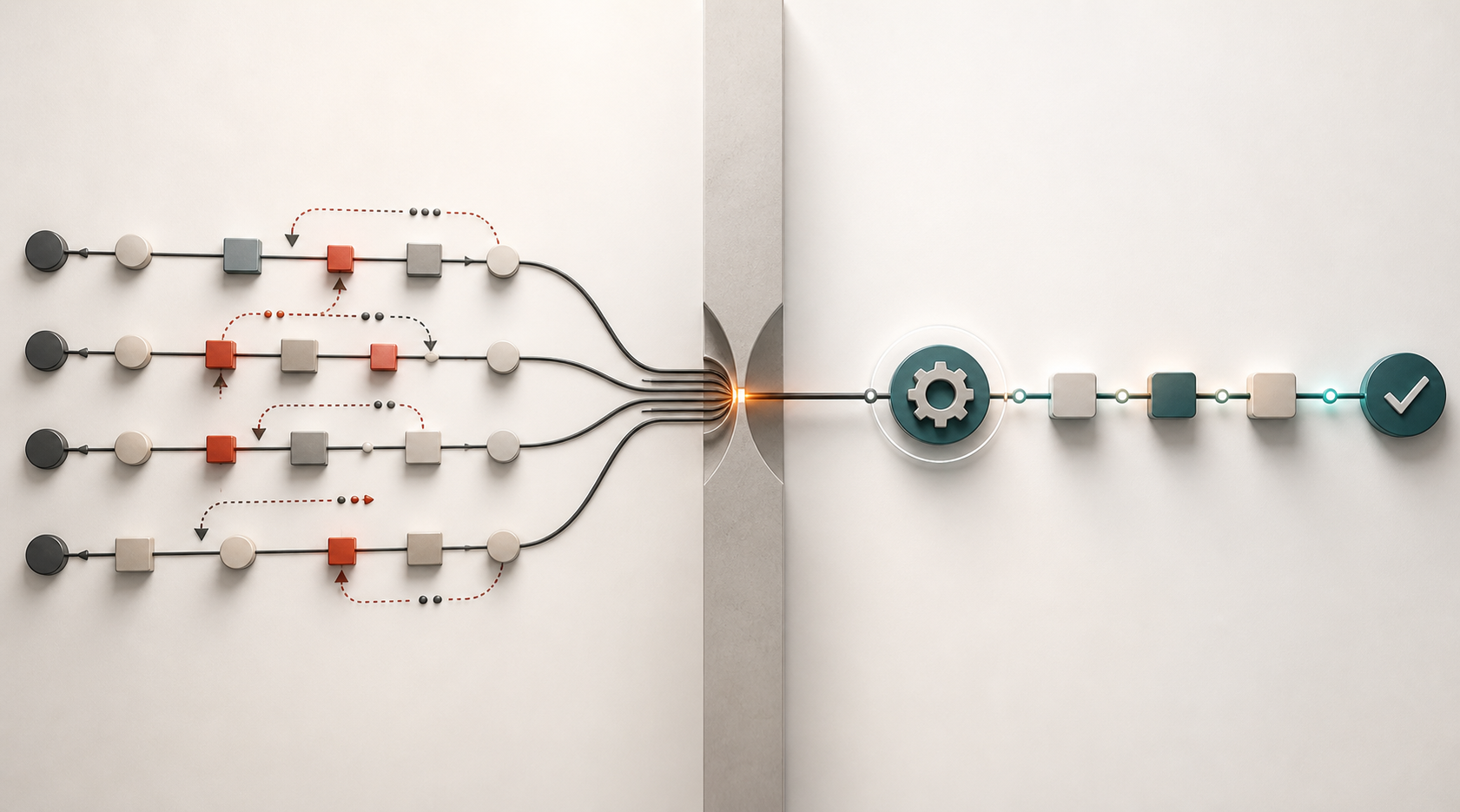
Not all workflows are suitable targets for automation.
The best automation target is usually not the flashiest workflow.
It is the recurring bottleneck.
Recurring Operating Drag
Most teams have at least one of them. It might be a:
- weekly report that takes too long to assemble
- handoff that requires the same cleanup every time
- queue that depends on one person translating messy inputs into usable next steps
- recurring review where the first thirty minutes are spent reconciling numbers instead of making decisions
These are recurring bottlenecks that hinder productivity and become expensive time sinks. People feel the pain. There has been enough repetition and pattern to study, and the payoff is easy to explain.
Automation is nothing new, but AI has made it feel more accessible. It has also made it easier to automate the wrong things. Automating the wrong workflows can look technically impressive and can produce a desired deliverable, such as a polished summary, a formatted output, or a clever integration. But it will come with secondary costs that fail to reduce the operating drag, such as new review steps, exceptions, and maintenance work.
That is packaging overhead with a nice-looking bow, not real leverage.
A useful automation should remove friction from a real operating loop.
Five Questions for Automation Targets
These are the questions I ask myself when evaluating automation targets.
Does the Work Repeat?
Repetition and patterns make automations more valuable. Repeating work can be quantified in time savings. Defined deliverables and recognizable patterns give the automation a stronger operating base, and repetition gives the room for improvement to compound. One-off work may deserve a tool, a template, or a better analysis, but automation might not be the ticket here.
Is the Input Clear Enough?
Input data is where it all starts. Automation does not need to be trained on perfect data, but it requires a stable understanding of the input data and format. The input might be a spreadsheet, ticket queue, email thread, CRM export, call transcript, form submission, or dashboard extract. If the input changes constantly and unpredictably, the automation may need too much supervision and create overhead costs.
Are the Steps Describable?
If an experienced person can explain the work as a sequence, the process is easier to support. Clean this field. Match these records. Flag these exceptions. Summarize this change. Draft this response. Route this item. Compare this result against a threshold.
The more describable the work is, the easier it is to decide which parts should be automated, assisted, or left human.
Is There a Known Output?
A good automation has a defined deliverable or output. It creates a draft, updates a table, flags a risk, prepares a review packet, routes an item, produces a summary, or triggers a next step. If nobody knows what the output should be, further exploration is needed and it might not yet be a suitable target for automation.
Does It Improve a Decision or Reduce a Constraint?
This is the most important question. Automation should connect to a practical benefit:
- faster review
- fewer errors
- earlier risk detection
- less manual cleanup
- better handoffs
- more consistent execution
The benefit should never be that the workflow feels modern, or automation for automation’s sake.
The strongest candidates often sit between systems (requiring integrations). They are the places where people copy, paste, reconcile, reformat, interpret, and re-explain. They are not glamorous, but they are expensive because they consume attention.
Examples of Good Automation Targets
- Turning messy status updates into a consistent weekly operating summary.
- Comparing a current report against thresholds and flagging items that need review.
- Drafting customer-risk notes from structured account data and recent activity.
- Cleaning recurring exports before they enter a reporting model.
- Summarizing ticket themes before a service review.
- Preparing a first-pass variance explanation for a manager to edit.
The automation does not replace judgment. It prepares the work so judgment can happen sooner.
The goal is not to remove humans from decisions that need context. The goal is to stop using human attention on repetitive preparation that software can handle or accelerate.
The first version should usually be modest. Start with a narrow workflow, a clear owner, and a manual review step. Measure whether the automation saves time, improves consistency, or surfaces issues earlier. Watch for hidden maintenance costs. If the workflow becomes easier to run, expand it. If it creates more exceptions than it solves, simplify or stop.
The Practical Version of AI Leverage
Good automations are not always sexy. They tend to live in the background between systems, helping create better operating habits.
It takes a recurring source of drag and makes the next decision easier, faster, or cleaner.
That is where AI leverage becomes practical: removing the repeated friction that slows down the operating system.